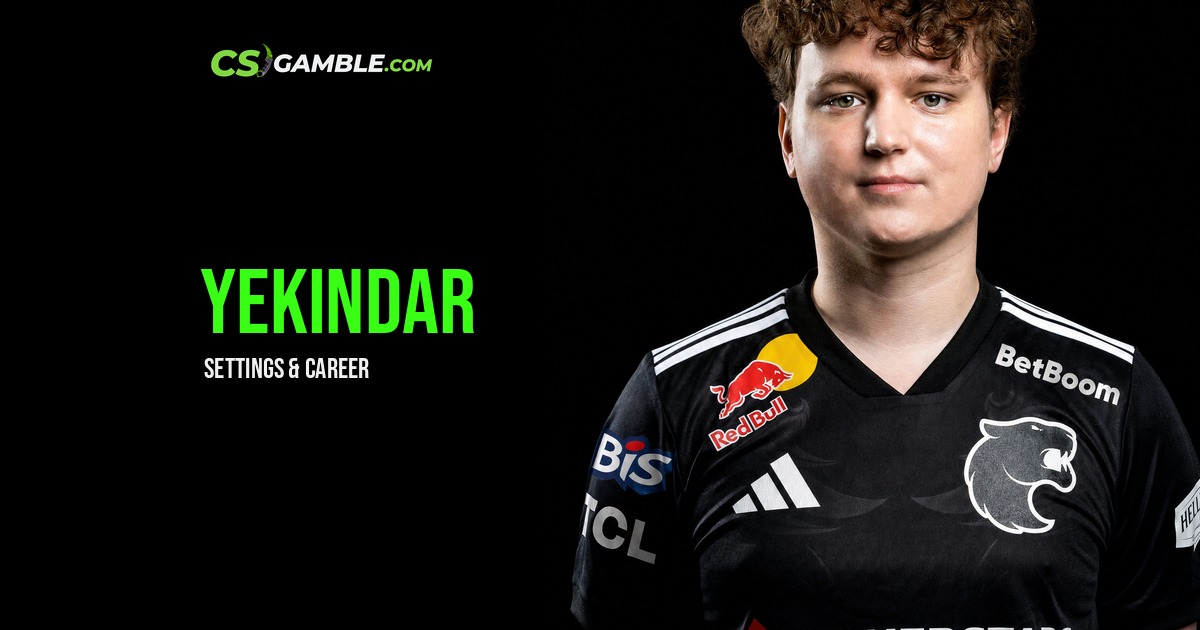
YEKINDAR CS2 Settings: Crosshair, Monitor & Config
If you want to try YEKINDAR's mouse settings, the starting point is 800 DPI and 1.2 sensitivity, or 960 eDPI, as listed on SPECS.GG. You don't need to replace your mouse to match those numbers. What matters is how the sensitivity feels with the space you have to move it.
The crosshair below comes from Total CS's entry for a match on 4 September 2026. Importing it is straightforward. Copying every video setting alongside it takes a little more thought, especially if your PC and monitor are different.
Sources checked on 6 September 2026. These are public listings, not a config supplied by YEKINDAR or a setup tested by CSGamble.
YEKINDAR sensitivity, DPI and quick settings
Here's the mouse setup listed on SPECS.GG. If you're only here for his sensitivity, this is the table you need.
The calculation is simple: 800 × 1.2 = 960 eDPI. You can reach the same number with 400 DPI and 2.4 sensitivity, or 1600 DPI and 0.6 sensitivity. Those are conversions, not three different setups we're attributing to YEKINDAR.
Set DPI in your mouse software and sensitivity in CS2. Before changing either, write down what you use now. Give the new setting a run in practice, then decide whether to keep it. A pro's sensitivity is a starting point; it won't tell you whether you have enough mousepad left when you need to turn.
You can line up other players' numbers in the CS2 pro settings comparison. Compare eDPI rather than sensitivity alone, since the DPI setting changes what that number means.
YEKINDAR monitor, resolution and video settings
SPECS.GG lists a ZOWIE XL2566K monitor, with CS2 running at 1920 × 1080, 16:9 and 360 Hz in fullscreen. That is the display setup used for the tables below.
Resolution and advanced video
The 999 FPS entry is a limit in the settings, not a benchmark result. Don't read it as a claim that his game runs at 999 FPS, or that yours will. The same applies to the rest of this table: copying a player's video options doesn't guarantee the same performance on a different PC.
If you want to compare changes, keep the test conditions the same and change one thing at a time. Switching resolution and several graphics options together may change how the game feels, but it won't tell you which setting caused the difference.
Monitor menu settings
These belong to the monitor's own menu. They aren't extra CS2 graphics options, and another display may use different controls or values. You can try the mouse settings and crosshair without buying the monitor beside them.
How close does YEKINDAR sit to his monitor?
There isn't a reliable desk-to-screen measurement in the sources checked for this guide. A tournament photo can show a player's position at that moment, but it isn't a measurement or a recommendation for your desk. Choose a position you can use comfortably rather than trying to copy an angle from a photo.
YEKINDAR crosshair code and import steps
Total CS links this code to FURIA vs Vitality on 4 September 2026. That's the source's match attribution; we haven't independently checked the demo.
CSGO-F4wiZ-mSAUQ-QHqmj-nq42i-uTaUN
How to import the code in CS2
- Copy your existing crosshair code first if you want to restore it later.
- Open Settings → Game → Crosshair.
- Select Share or Import, paste the code above, and choose Import.
- Check the result at your own resolution before playing a match.
The code only changes the crosshair. It won't bring over his sensitivity, resolution or viewmodel, so leave those alone if all you want is to try the crosshair. If it looks different from a screenshot, compare the display settings too.
Why use this code?
SPECS.GG lists a different crosshair. We chose the Total CS entry because it has a recent match date attached; the captured SPECS.GG crosshair doesn't have its own update date. That gives you a dated reference to try, rather than a claim that YEKINDAR uses one code forever.
You can check older entries in Total CS's crosshair history, or use the CS2 crosshair guide to compare styles.
YEKINDAR viewmodel, config and gear
Viewmodel settings
The viewmodel controls where the weapon sits on your screen. SPECS.GG lists these values for YEKINDAR; they come from that profile, not the match entry used for the crosshair.
Its command line is:
viewmodel_fov 60; viewmodel_offset_x 1; viewmodel_offset_y 1; viewmodel_offset_z -1.5;
Record your current values first. If needed, enable the developer console in CS2's Game settings, then paste the line into the console. It changes the weapon view, not mouse sensitivity. We haven't tested these commands in the current build. If one is rejected, leave it out rather than treating an old config as proof that it still works.
Can you download YEKINDAR's full config?
We haven't verified a complete config download for this guide, so there isn't an "official YEKINDAR config" file to offer here. The settings above let you make individual changes without importing a bundle you haven't read.
If you do find a config elsewhere, open it in a text editor before running it and back up your own settings. It may replace keybinds, audio options and controls as well as the values you wanted to copy. We also haven't verified a current launch-option string from YEKINDAR, so the previous guide's launch option and legacy bob values aren't included as recommendations.
Mouse, keyboard and other gear
These are the peripherals listed on SPECS.GG. You don't need the same equipment to try the settings, and copying the kit won't reproduce the player's aim.
Who is YEKINDAR? Team and career
YEKINDAR is Mareks Gaļinskis, the Latvian Counter-Strike player whose career has taken him through Virtus.pro, Team Liquid and FURIA. SPECS.GG lists him with FURIA, and the dated crosshair entry above also comes from a FURIA match.
Dust2.us reported his permanent FURIA signing on 4 July 2025 after his loan from Liquid. The report described a deal through summer 2027. That tells us what was announced at the time; it doesn't confirm today's contract terms.
For another FURIA-related setup, look at KSCERATO's settings. Players don't have to share sensitivity or display choices just because they share a team.
YEKINDAR settings FAQ and sources
What sensitivity does YEKINDAR use?
SPECS.GG lists 800 DPI and 1.2 sensitivity, which works out to 960 eDPI. If you play at 1600 DPI, 0.6 sensitivity gives the same mathematical eDPI.
Why does this guide list 1920 × 1080 instead of 1680 × 1050?
The older version used 1680 × 1050 from another source. SPECS.GG listed 1920 × 1080 at 16:9 when checked on 6 September 2026. We haven't independently established which setup he currently uses, so the table follows one named source instead of mixing the two.
What monitor and mouse does the listing show?
A ZOWIE XL2566K monitor and VAXEE E1 Red mouse. Equipment listings can change between updates or events.
Will the crosshair code copy all his settings?
No, just the crosshair. Sensitivity, video options, viewmodel and keybinds stay separate. There isn't a verified full config attached to this guide.
Sources and checks
- SPECS.GG — YEKINDAR profile: mouse, video, monitor, viewmodel and equipment values captured on 6 September 2026. Community-maintained; no field-level update dates established.
- Total CS — YEKINDAR crosshair and history: code, corresponding crosshair values and import steps captured on 6 September 2026. Selected entry attributed by the source to a match on 4 September 2026.
- Dust2.us — FURIA sign YEKINDAR: published 4 July 2025; checked 6 September 2026. Used for name and historical signing context.
SPECS.GG is community-maintained, and its individual settings didn't have update dates we could establish. Total CS supplied the date for the crosshair entry. ProSettings, HLTV's player page and FURIA's website blocked access during this check, so their older entries weren't counted as newly verified evidence. These settings haven't been tested in-game by CSGamble, and we haven't received a config directly from YEKINDAR.

Related Articles
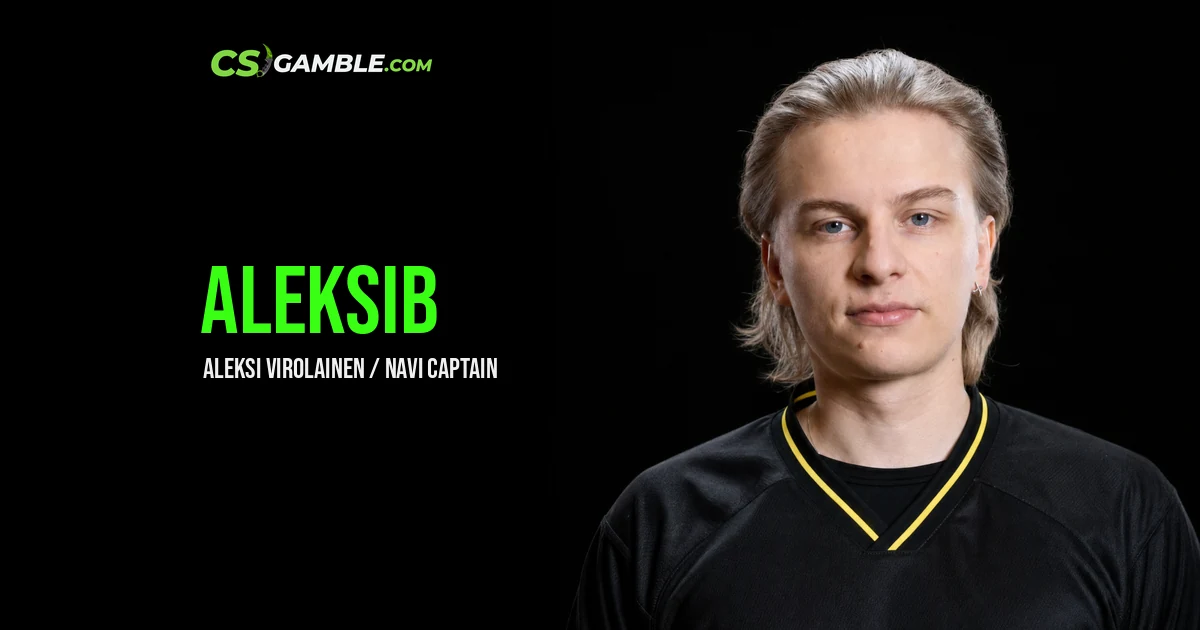
Aleksib CS2 settings and the captain's road from ENCE to a Major
Mirage had just gone 2-13. One map left at PGL Major Copenhagen, karrigan's FaZe on the other side of the stage, and a Finnish in-game leader who had already lost one Major final, five years earlier, with ENCE. NAVI won Inferno 13-3 on 31 March 2024. Aleksi "Aleksib" Virolainen had his Major, and Finland had its first Major winner.
He's still calling for the same organization. As of 08.10.2026, HLTV lists Aleksib as a starter on Natus Vincere next to iM, b1t, w0nderful and makazze, with B1ad3 as coach. It hasn't been a good week. NAVI went out of ESL Pro League Season 24 in 9th-11th place after a 1-2 loss to PARIVISION on 07.10.2026.
If you only came for the Aleksib CS2 settings, here's the short version. 800 DPI times 1.06 sensitivity gives 848 eDPI, played at 1440x1080 on 4:3 stretched, according to his ProSettings page last updated 07.10.2026 (we checked it on 08.10.2026). The rest of this page puts that desk next to the thing that matters more for a captain: where he called, what he won, and how little of it depended on his own aim.
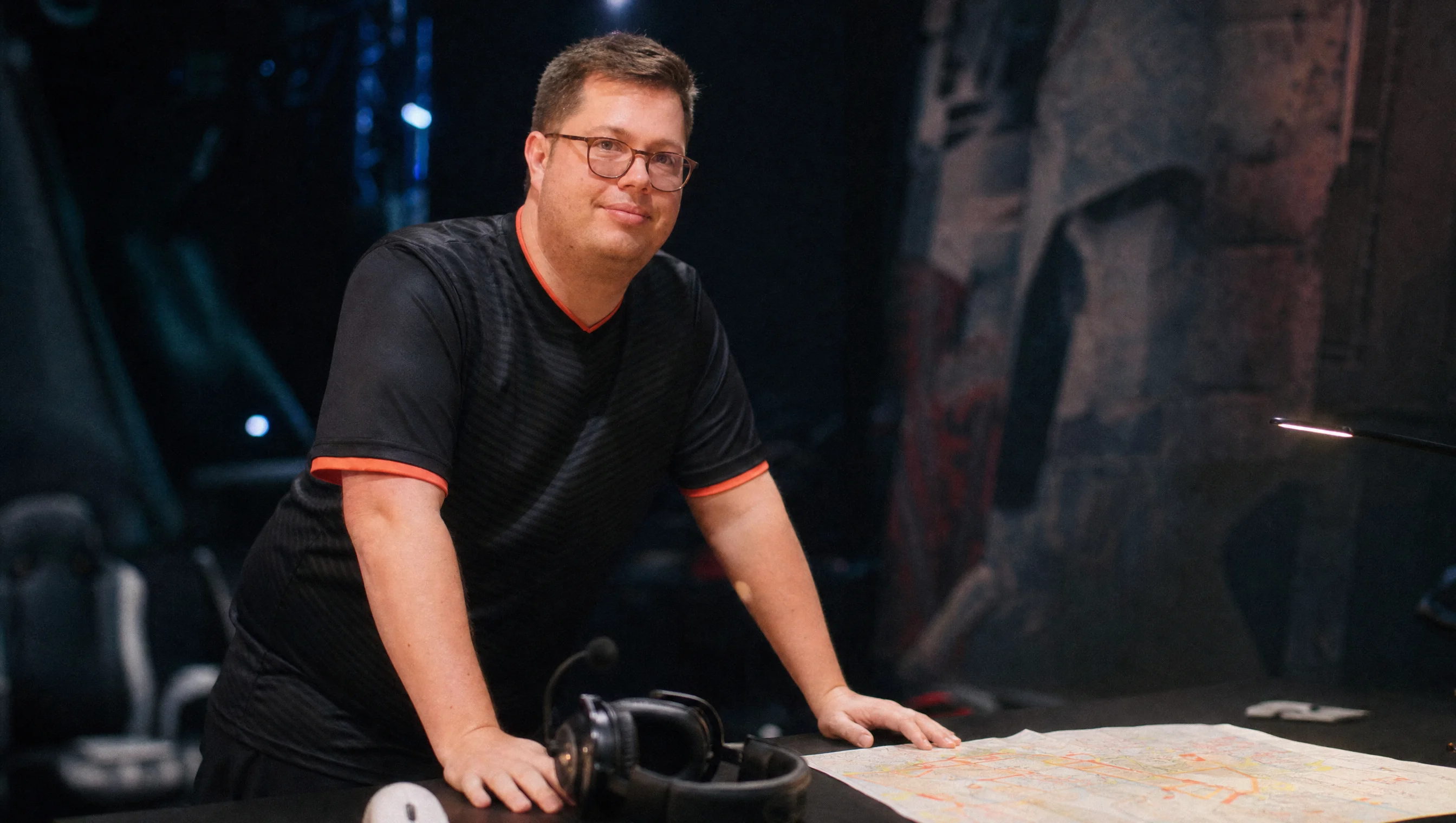
karrigan — Finn Andersen
Finn "karrigan" Andersen became the oldest Major champion in Counter-Strike history for the second time on June 21, 2026, lifting the IEM Cologne trophy with Team Falcons at 36 years and 68 days old, just 61 days after he signed with the team. He is a Danish-German in-game leader who has been a professional player since 2006, and the only person to ever hold, lose, and reclaim that exact age record. Here is how he got there, what makes his career different from the rest of this site's player profiles, and the settings he plays on right now.
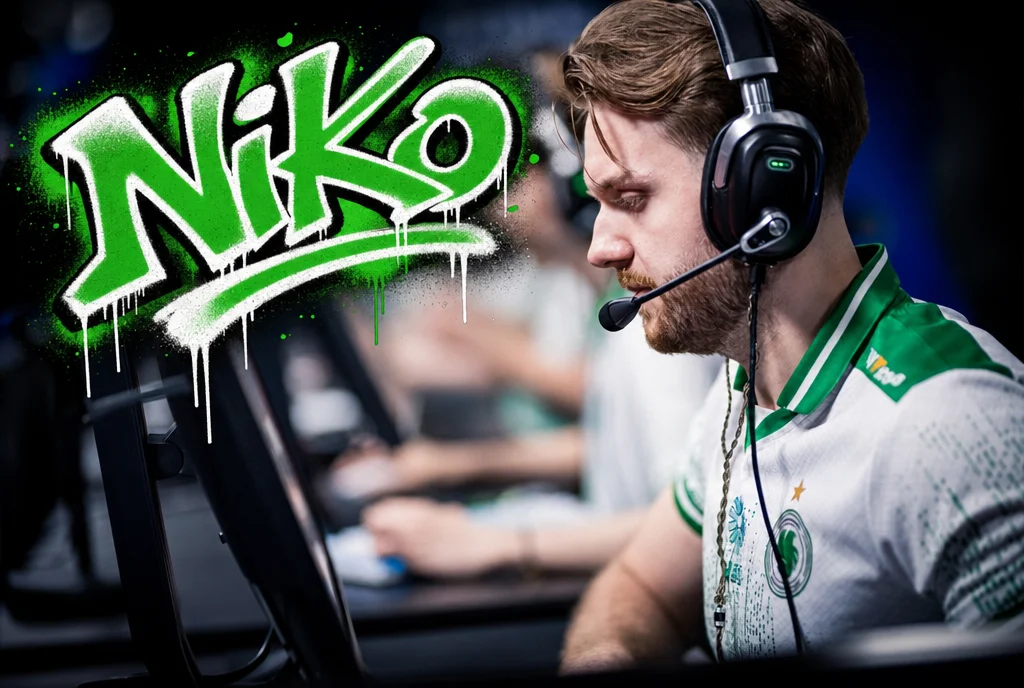
NiKo — Nikola Kovač
Nikola "NiKo" Kovač spent nine years as the best CS:GO and CS2 player never to win a Major. In June 2026, at IEM Cologne, that changed for good.
Hot Promo Codes
View all promo codes
Browse All Sites